
Instagram
How to Download Instagram Reels in Full HD Quality
The complete technical overview on resolving Instagram Reels and Stories links to capture original 1080p vertical video streams direct onto your camera roll.
TopVideoDownloader Team
4 min read
Last updated: May 2026
Isolate and Save Instagram Reels Natively
Instagram Reels use optimized adaptive stream channels to adjust file delivery depending on network speeds. Because of this, standard browser cache scrapers often fail, resulting in pixelated, low-resolution 360p files.
Step-by-Step Instagram Reels Retrieval
- Extract post token sharing indicators: Launch Instagram, view the active Reel, click on the "Paper Airplane" (Share) and tap "Copy Link".
- Re-route to TopVideoDownloader: Input the copied thread link into our Instagram Downloader box.
- Download Process: Our cloud gateway resolves the underlying JSON-LD manifests to locate the highest quality 1080p stream source. Tap get link to initiate local download.
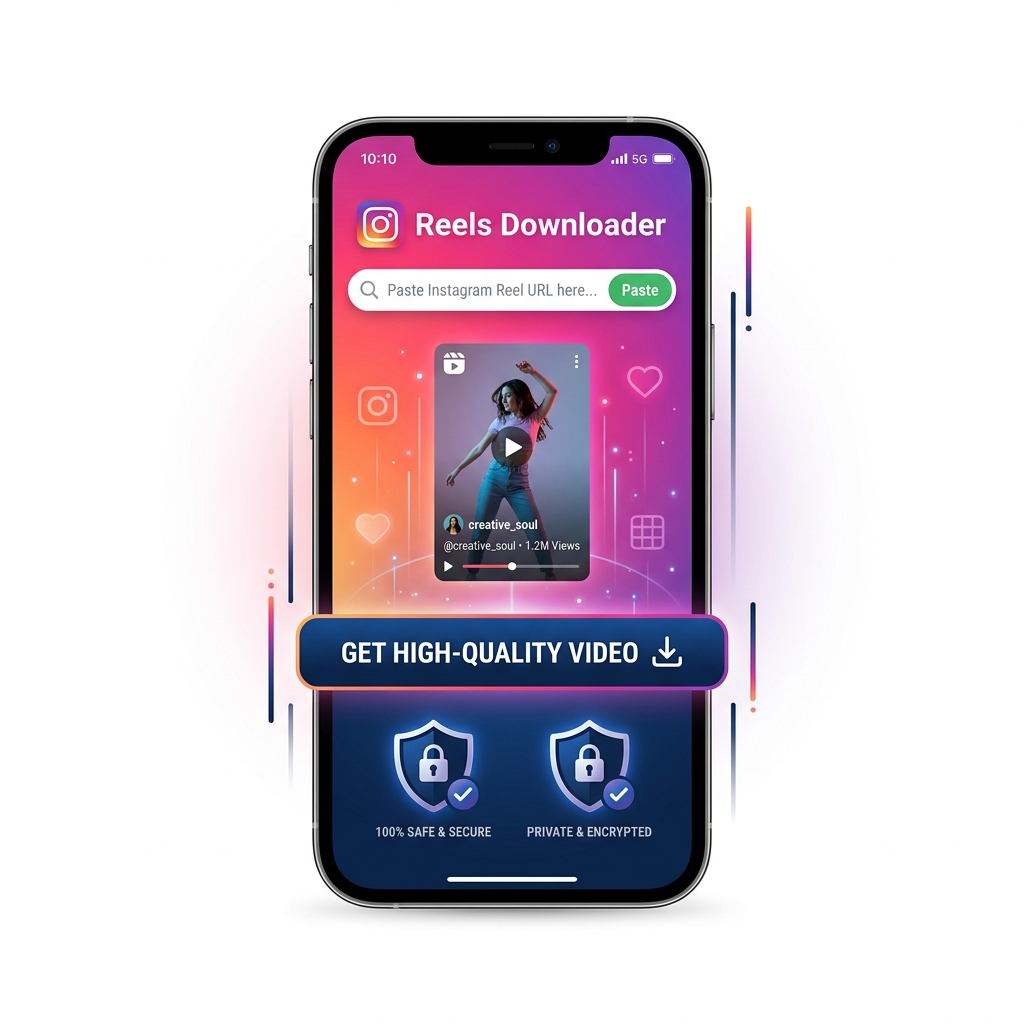 Instagram Reels Downloader Mobile UI
Best Practices to Maintain High Fidelity
- Check public account parameters: Our crawler nodes can only fetch files matching open, public spaces to protect user account safety structures.
- Avoid screencasting: Capturing screen logs compresses audio and results in frame rate stutter.
- Desktop Safari downloads: If utilizing a macOS workspace, right-click the file and select Save Target As to resolve direct drive assets.
 Dynamic Cloud Scraper Link Processing Diagram
Protecting User Rights and Terms Compliance
When saving Instagram Reels, always consider creators' intellectual rights. Archiving reels for personal study and reference safeguards fair-use, but rehosting without attribution infringes on standard digital rights agreements.
 Copyright and Fair Use Boundaries Infographic